- 您现在的位置:买卖IC网 > Datasheet目录317 > C8051F912DK (Silicon Laboratories Inc)KIT DEV FOR C8051F91X/C8051F90X Datasheet资料下载
参数资料
| 型号: | C8051F912DK |
| 厂商: | Silicon Laboratories Inc |
| 文件页数: | 4/25页 |
| 文件大小: | 0K |
| 描述: | KIT DEV FOR C8051F91X/C8051F90X |
| 产品培训模块: | C8051F9xx Lower Power MCUs |
| 视频文件: | Designing for Low Power Operation |
| 特色产品: | C8051F91x/0x MCU Series Development Kit |
| 标准包装: | 1 |
| 类型: | MCU |
| 适用于相关产品: | C8051F91x/0x |
| 所含物品: | 板,电池,线缆,CD,电源适配器,USB 调试适配器 |
| 产品目录页面: | 626 (CN2011-ZH PDF) |
| 其它名称: | 336-1854 |
C8051F91x/90x
4.1. Running Blinky
Each project has its own source files, target configuration, SDK configuration, and build configurations such as the
Debug and Release build configurations. The IDE can be used to manage multiple projects in a collection called a
workspace. Workspace settings are applied globally to all projects within the workspace. This can include settings
such as key bindings, window preferences, and code style and formatting options. Project actions, such as build
and debug are context sensitive. For example, the user must select a project in the Project Explorer view in order
to build that project.
To create a project based on the Blinky example:
1. Click the Simplicity IDE tile from the Simplicity Studio home screen.
2. Click the Create new project link from the welcome screen or go to File ? New ? Silicon Labs MCU
Project .
3. In the Kit drop-down, select C8051F912 Development Kit , in the Part drop-down, select C8051F912 , and
in the SDK drop-down, select the desired SDK. Click Next .
4. Select Example and click Next .
5. Under C8051F912 Development Kit in the Blinky folder, select F912-902 Blinky and click Finish .
6. Click on the project in the Project Explorer and click Build , the hammer icon in the top bar. Alternatively,
go to Project ? Build Project .
7. Click Debug to download the project to the hardware and start a debug session.
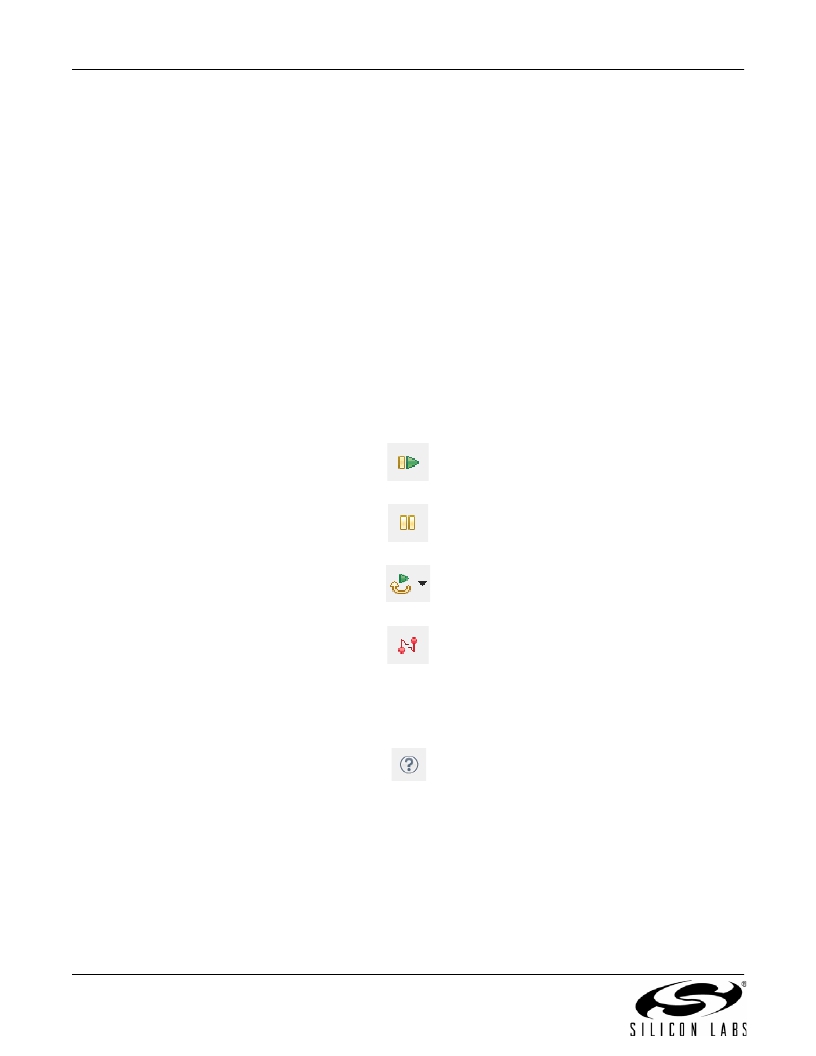
8. Press the Resume button to start the code running. The LED should blink.
9. Press the Suspend button to stop the code.
10. Press the Reset the device button to reset the target MCU.
11. Press the Disconnect button to return to the development perspective.
4.2. Simplicity Studio Help
Simplicity Studio includes detailed help information and device documentation within the tool. The help contains
descriptions for each dialog window. To view the documentation for a dialog, click the question mark icon in the
window:
This will open a pane specific to the dialog with additional details.
The documentation within the tool can also be viewed by going to Help ? Help Contents or Help ? Search .
4
Rev. 0.2
相关PDF资料 |
PDF描述 |
|---|---|
| C8051F930-TB | BOARD TARGET/PROTO W/C8051F930 |
| C8051T610DB24 | DAUGHTER BOARD T610 24QFN SOCKET |
| C8051T630DB20 | BOARD SOCKET DAUGHTER 20-QFN |
| CAN-100 | BOARD EVAL RS232 100QFP |
| CANADAPT28 | KIT ADAPTER CANDEMOBOARD 28PLCC |
相关代理商/技术参数 |
参数描述 |
|---|---|
| C8051F912-GDI | 功能描述:8位微控制器 -MCU 16kB Flash MCU RoHS:否 制造商:Silicon Labs 核心:8051 处理器系列:C8051F39x 数据总线宽度:8 bit 最大时钟频率:50 MHz 程序存储器大小:16 KB 数据 RAM 大小:1 KB 片上 ADC:Yes 工作电源电压:1.8 V to 3.6 V 工作温度范围:- 40 C to + 105 C 封装 / 箱体:QFN-20 安装风格:SMD/SMT |
| C8051F912-GM | 功能描述:8位微控制器 -MCU 16KB 12ADC 24QFN RoHS:否 制造商:Silicon Labs 核心:8051 处理器系列:C8051F39x 数据总线宽度:8 bit 最大时钟频率:50 MHz 程序存储器大小:16 KB 数据 RAM 大小:1 KB 片上 ADC:Yes 工作电源电压:1.8 V to 3.6 V 工作温度范围:- 40 C to + 105 C 封装 / 箱体:QFN-20 安装风格:SMD/SMT |
| C8051F912-GMR | 功能描述:8位微控制器 -MCU 16KB 12ADC RoHS:否 制造商:Silicon Labs 核心:8051 处理器系列:C8051F39x 数据总线宽度:8 bit 最大时钟频率:50 MHz 程序存储器大小:16 KB 数据 RAM 大小:1 KB 片上 ADC:Yes 工作电源电压:1.8 V to 3.6 V 工作温度范围:- 40 C to + 105 C 封装 / 箱体:QFN-20 安装风格:SMD/SMT |
| C8051F912-GU | 功能描述:8位微控制器 -MCU 16KB 12ADC 24QSOP RoHS:否 制造商:Silicon Labs 核心:8051 处理器系列:C8051F39x 数据总线宽度:8 bit 最大时钟频率:50 MHz 程序存储器大小:16 KB 数据 RAM 大小:1 KB 片上 ADC:Yes 工作电源电压:1.8 V to 3.6 V 工作温度范围:- 40 C to + 105 C 封装 / 箱体:QFN-20 安装风格:SMD/SMT |
| C8051F912-GUR | 功能描述:8位微控制器 -MCU 16KB 12ADC RoHS:否 制造商:Silicon Labs 核心:8051 处理器系列:C8051F39x 数据总线宽度:8 bit 最大时钟频率:50 MHz 程序存储器大小:16 KB 数据 RAM 大小:1 KB 片上 ADC:Yes 工作电源电压:1.8 V to 3.6 V 工作温度范围:- 40 C to + 105 C 封装 / 箱体:QFN-20 安装风格:SMD/SMT |
发布紧急采购,3分钟左右您将得到回复。